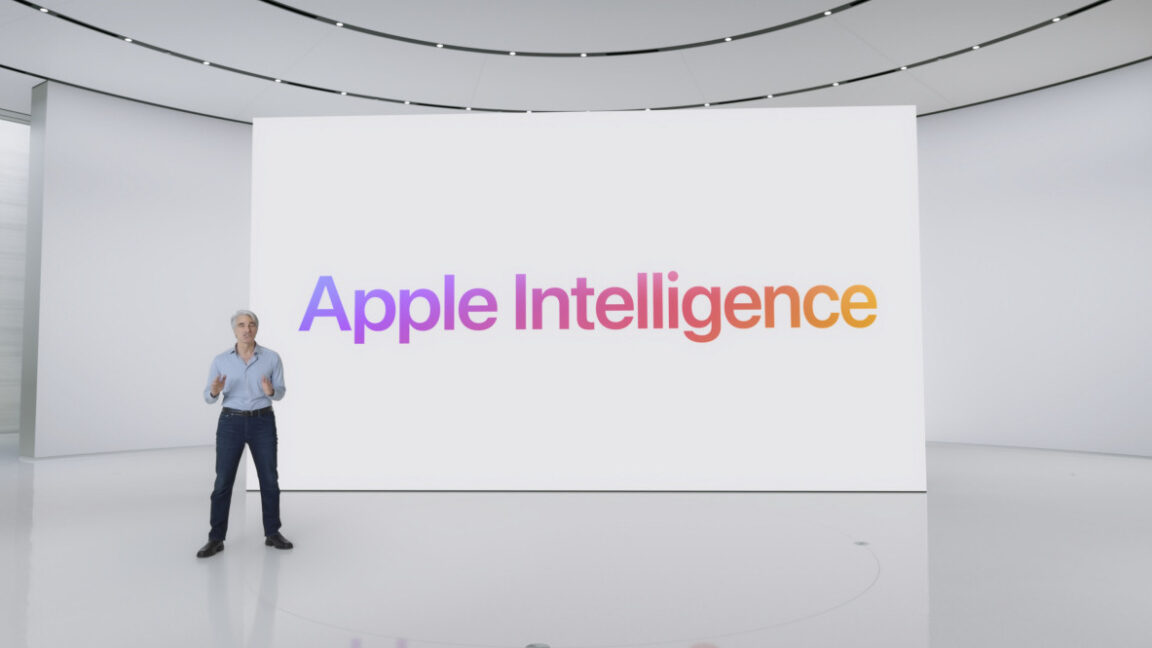

Of the features being tested in current macOS 15.1 and iOS 18.1 betas, we still haven’t seen the Image Playgrounds or Genmoji image-generation features, nor have we seen the promised ChatGPT integration. The image-generation features will reportedly be launching no earlier than the macOS 15.2 update, currently due sometime in December.
The biggest non-AI-related missing feature is the drag-and-drop Continuity feature: Working in tandem with iPhone Mirroring, this will let you scoot “files, photos, and videos” between your Mac and iPhone by dragging and dropping, rather than poking through share menus. The Home app will also be getting support for robot vacuum cleaners and monitoring home electricity usage at some point later in the year.
The ability to download Mac App Store apps to an external drive is also coming in the 15.1 update, at least according to current betas. If you use high-speed storage connected via Thunderbolt or USB-C to avoid paying Apple’s prices for storage upgrades (hi), this gives you a little more flexibility when installing apps or games from Apple’s store.
What should I do with my unsupported Mac?
Credit:
Valentina Palladino
The 2018 MacBook Air revamped the design and added a Retina screen for the first time. It was one of the first Macs to launch with an Apple T2 chip, and Apple continued to use the same design for the first M1 MacBook Air in late 2020. Sequoia no longer supports the 2018/2019 MacBook Air models.
Credit:
Valentina Palladino
If you have a Mac that won’t run Sequoia this year, you do have options for keeping it up to date and useful, though this question gets a little harder to answer every year.
First, if you’re still running either macOS 13 Ventura or macOS 14 Sonoma, Apple will still release security-only fixes and Safari browser updates for your OS. Ventura should get these updates for another year or so, while Sonoma should get them for around two years. These updates don’t always patch every vulnerability that Apple patches in the latest version of macOS, but in general, you can expect to be reasonably well-protected.
Most apps don’t dump older macOS releases immediately, so in the short term, you should still be able to run apps like Chrome, Photoshop, or Microsoft Office (to name a handful) without issue for the foreseeable future. You won’t benefit from new features, and there may be some iCloud sync issues here and there if you use phones, tablets, or other Macs that run the newest releases, but there’s nothing wrong with your computer.